CHOOSING A CRM
Choosing a CRM for your SME: three types compared, and what they cost
You're looking for a CRM. Maybe each of your salespeople works their own way today, and important customer knowledge is scattered across different laptops. Or your sales team is growing and you're slowly losing track. Search Google for CRM software and you'll quickly land on comparison sites, foreign software packages, and advice written mostly for the market in the Netherlands. So which type of CRM fits a small business in Flanders with ten to a hundred employees? Three questions, three types, and a guideline for the cost.

On this page
▾


Tell us briefly about your situation
Describe your situation in five lines and email it to us. Within two business days, we'll call you for a no-obligation conversation. We'll tell you which type of CRM fits, roughly what it will cost, and whether Profility is the right partner. Your details stay with us.
Email us your situationIn short
A good CRM choice starts with how you work, not with a long list of features.
Three questions point to one of three types: an off-the-shelf CRM package, a core CRM configured to your needs, or a full-featured CRM platform.
A Microsoft CRM doesn't always have to be Dynamics 365 Sales.
Only compare quotes with the same scope and a fixed price. You'll find ballpark prices per user further down.
Email us your situation in five lines and we'll call you within two business days.
Don't start with the software
Every vendor shows you what their software can do. Comparison sites sometimes have you check off hundreds of features. That makes the choice seem more complicated than it is. And a feature that only seemed nice to have suddenly gets presented as essential. One more checkbox, and your quote is a lot higher than you planned.
In practice, three questions already point you in the right direction. Answer them honestly before you look at software packages or demos. That way, you know which type of CRM you need first.
1. Who needs to use it, and where?
Don't just look at the number of users. Look at the work they do. An inside sales team, a sales rep on the road, and a case manager who lives in their inbox all have different needs. Also think about people who only look things up, like the managing director or the accounting team.
2. What information belongs in it, and which systems does the CRM need to work with?
Decide what information you want to manage, such as customers, quotes, sales opportunities, and service requests. Also think about what you want to be able to see in it, like an overview of open quotes and who's following up on them. And check which integrations you need. If a CRM doesn't work well with your accounting software or ERP, you end up with duplicate data, and employees quickly lose faith in the system.
3. How specific is the way you work?
For a short, simple sales process, an off-the-shelf package may be enough. If you deal with inspections, case files, intermediaries, or multiple locations, the CRM has to be configurable to your needs. That plays a big part in whether employees keep using the system over the long run.
Three types of CRM compared
Look at the type of solution first, and only then at brand names. Based on the three questions above, you'll usually end up with one of these three types.
An off-the-shelf CRM package. This is a standard solution that lets you get started quickly. It suits small teams with a simple, familiar sales process. These packages often combine customer management with features like quotes, scheduling, invoicing, or time tracking. The limits show up as soon as you need lots of custom fields, specific approvals, or integrations. That's when separate workarounds start popping up next to the package again.
A core CRM configured to your needs. The software isn't built from scratch. You start from an existing Microsoft platform and configure the tables, screens, and process steps to match how you work. Your employees get what they need, without you paying for extensive modules nobody uses. This is what we build with Power Apps on Dataverse. You can see what that looks like in practice, screen by screen, in this showcase.
A full-featured CRM platform. This brings extensive capabilities for sales, marketing, and customer service together in one environment. You configure existing processes and features instead of building everything yourself. This type fits larger or more complex organizations with multiple teams, campaigns, service processes, or external users. On the Microsoft platform, that means Dynamics 365 Sales, possibly combined with other Dynamics 365 applications.
| Who it's for | Where it can fall short | |
|---|---|---|
| Off-the-shelf CRM package | Small teams with a standard sales process | Specific fields, approvals, and integrations |
| Core CRM configured to your needs | SMEs with their own way of working | If you need extensive standard marketing or customer service features, you may outgrow it |
| Full-featured CRM platform | Larger or complex organizations | Requires a clearly defined scope and an experienced implementation partner |
At Microsoft, the second and third types share the same technology foundation. That means you can start small and expand later without starting over from scratch.
A simple rule of thumb: you can usually choose an off-the-shelf package yourself after a free trial. For a core CRM configured to your needs or a full-featured CRM platform, you're better off making the choice together with a partner who first looks at your processes and technical environment.
What does a CRM really cost?
On a vendor's website, you'll usually see one number: the license price per user per month. That price is easy to compare, but it only tells part of the story. Still, don't just ignore it. If you choose a license that's too expensive, you carry that cost for every user, month after month, often for years. Over time, the wrong license choice can end up costing you more than the difference in implementation costs.
The real cost has three parts.
Licenses. You usually pay these monthly, per user. The price varies by product and license type. So don't just look at the amount, but also at what each user actually needs.
Implementation. This covers the analysis of your processes, setting up the environment, integrations with your accounting software or ERP, migrating and cleaning up existing data, and training your employees. In our projects, this is usually the biggest cost in the first year.
Your own time. People inside your organization also need to free up time for the implementation. They have to explain how you work, review proposals, check data, test the solution, and attend training. A good implementation partner guides that work and keeps an eye on progress, but can't take it off your hands entirely.
With the price levels below, you can work out an initial ballpark budget for the implementation yourself, before you even talk to partners. The amounts are based on our own projects, are one-time costs, and don't include licenses.
Off-the-shelf CRM package: €0 to €750 per user. With a small team, you can often set up a package like this yourself after a free trial, and then you only pay for the licenses. Even so, don't skip two things: set up users, access rights, and security properly within your organization, and make sure everyone gets basic training. If we do that for you, without extensive data migration, it usually stays under €750 per user.
€750 to €1,500 per user for a CRM configured around your processes, including integrations and migration. This is the level we see most often at SMEs with 10 to 30 users.
From €1,500 per user for complex environments with multiple teams, several integrations, external users, or custom modules. Think of real estate, for example, or sales processes where research and development come before the product.
These amounts aren't a simple calculation based on the number of users. Fifteen users could fall into either the second or the third price level. The deciding question is what those users get: how many features, integrations, how much data migration, and how much process support do they need?
Of course, it's still a guideline. Only after a scoping exercise, where your processes, integrations, and data are mapped out, can a partner give you a reliable price.
A Microsoft CRM doesn't automatically mean Dynamics 365 Sales
Many small businesses search for “a Microsoft CRM.” Microsoft offers several options for that. Dynamics 365 is the umbrella name for a wide range of business applications. Within it, Business Central is an ERP solution. Dynamics 365 Sales is the full-featured CRM application for sales. For marketing and customer service, there are separate Dynamics 365 applications that can work alongside it.
But an SME doesn't always need Dynamics 365 Sales. On the same underlying Microsoft platform, you can configure a lighter CRM solution with Power Apps and Dataverse. It contains exactly the customer records, follow-up, and integrations your organization needs. We call that a Power Apps CRM.
Microsoft is sometimes seen as too big and too expensive for an SME. That can be true if you choose extensive Dynamics 365 applications your organization doesn't need. It doesn't automatically apply to the platform underneath.
Are you already using Outlook, Teams, and SharePoint? Then your users, access rights, and a large part of your digital workplace already live in Microsoft. A CRM on Power Apps and Dataverse can plug right into that. Copilot and other AI agents, like Claude AI, can then also use the same centrally managed data.
How do you compare CRM quotes?
When you use a comparison site, you hand your details and request over to a middleman. That middleman then decides which partners receive your request. It can be a handy way to get in touch with vendors quickly, but you have less control over the selection yourself. That means you could also end up talking to a partner who isn't a great fit for what you need.
You can also reach out directly to several companies that offer the type of CRM you need. Whichever approach you take, ask the same questions for every quote.
Do the quotes cover the same scope? Check what is and isn't included. Think of analysis, data migration, integrations, training, and support after go-live. If the scope differs, you're not comparing prices, you're comparing different projects.
Is it clear what you get, and at what price? An hourly rate or a non-binding estimate in days leaves room for extra costs. What gets delivered for what amount should be nailed down as concretely as possible up front.
CRM projects still run over time and budget far too often. After a scoping exercise, an experienced partner can tell you what the agreed work will cost and take responsibility for it. A fixed price makes that responsibility concrete. If a company can't give you one, the project isn't properly defined yet.
With the same scope, a fixed price, and the three questions from this article, you can compare fairly and stay in control.
Who we're not the right fit for
Do you only have two or three users? Then a CRM configured to your needs is usually overkill, and a simple off-the-shelf package will do. We're probably not the right fit either if you mainly sell to consumers or you're looking for a point-of-sale system.
Is the problem mainly complex pricing calculations? Those calculations usually belong in your ERP or in a separate application. A CRM can connect to them, but it doesn't replace those systems.
Tell us briefly about your situation
Not sure which type of CRM fits your organization? Email five lines to sales@profility.be:
your industry and number of employees;
who needs to use it: inside sales, field sales, or case management;
which systems you use today;
where exactly things are getting stuck;
which accounting software or ERP you use.
Within two business days, we'll call you for a no-obligation conversation. You explain your situation, and we'll point you in the right direction right away: which type of CRM fits, roughly what price level to expect, and whether Profility is the right partner. Even if we conclude that you're better off with a simple package or a different solution.
Your details stay with us and are never passed on to other vendors.
Prefer a form? That works too, through our contact page.
Tell us briefly about your situation
Describe your situation in five lines and email it to us. Within two business days, we'll call you for a no-obligation conversation. We'll tell you which type of CRM fits, roughly what it will cost, and whether Profility is the right partner. Your details stay with us.
Email us your situationThis article is part of
Microsoft Dynamics 365
Get a handle on your customers and your sales operations. See how we use Dynamics 365 at companies like yours, and which modules you really need.
Explore Dynamics 365Keep reading
CRM AND ERP
A CRM alongside your ERP: why you don't have to keep track of anything twice
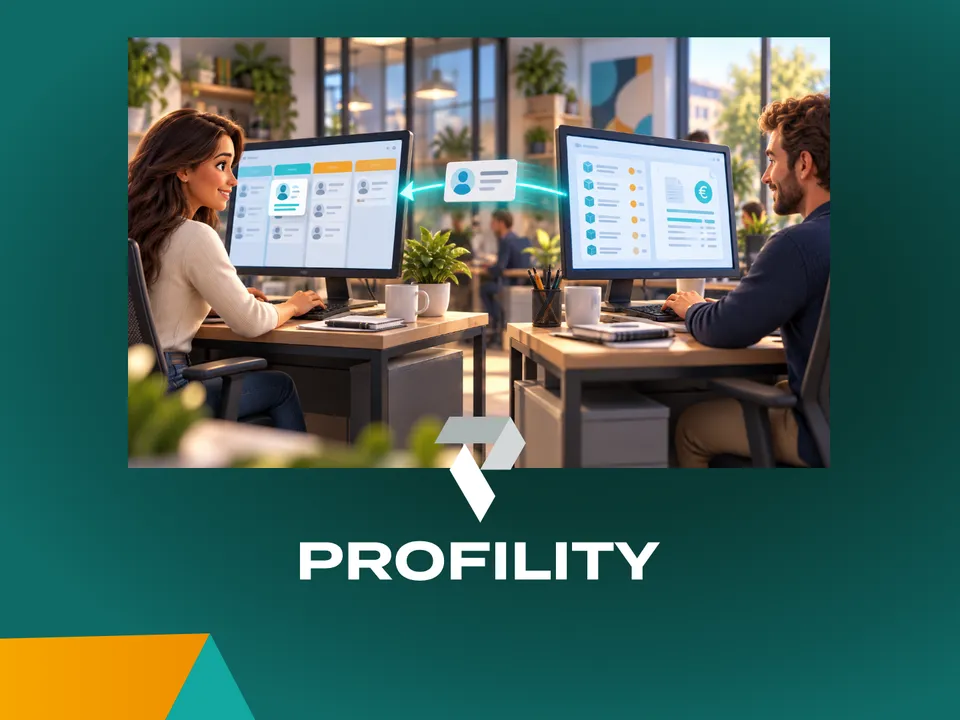
You've been working in an ERP like Business Central for years. Adding a CRM sounds like a second system where you keep track of everything twice. It doesn't have to be: agree on which system manages each piece of data, and each system does its own part.
AI IN PRACTICE
Beyond digitization: working with an AI assistant on top of your business Applications
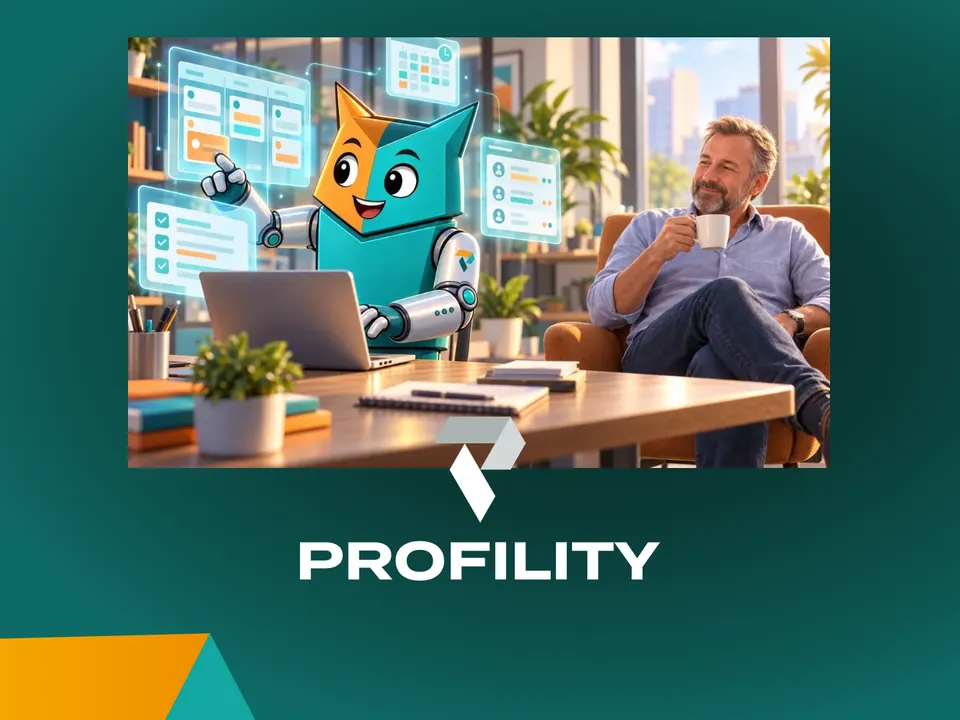
A customer email comes in. Five minutes later, the project is set up in Connect, our in-house application, and colleagues can log hours on it. Add the tasks in Jira and it takes fifteen minutes. Meanwhile, I was drinking my coffee. That's how we've been working at Profility for a year now. This is the step after digitization.
AI IN PRACTICE
Every application you commission today needs an MCP
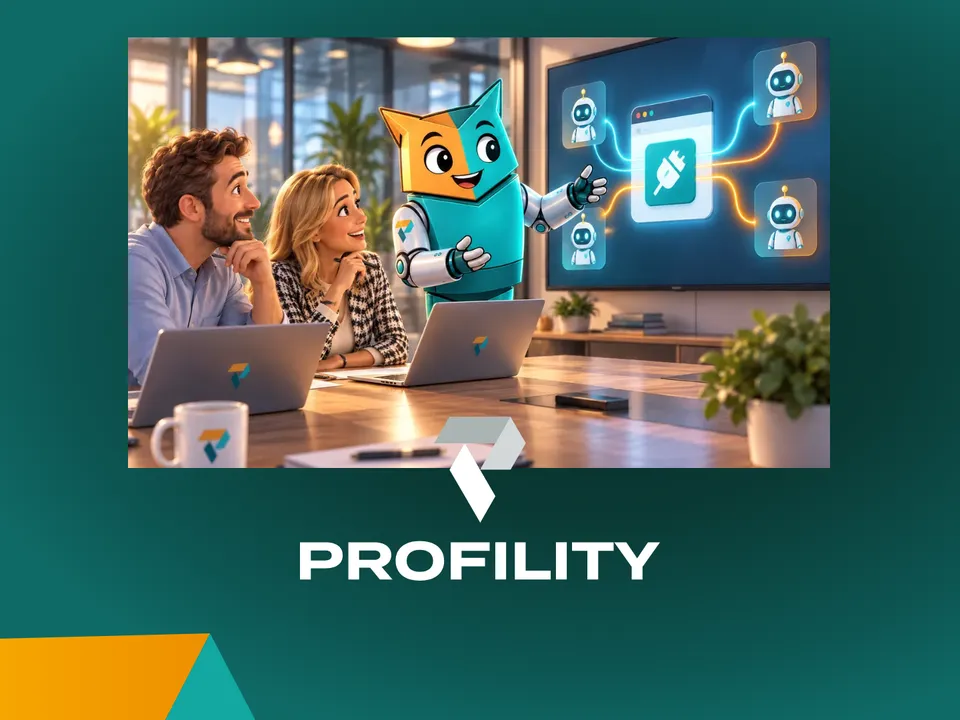
If you're having an application built today, whether fully custom or on the Power Platform, there's one question many clients still don't ask: does it have an MCP? Without one, an AI agent can't work for you inside that application. If you want to build for the future, it's non-negotiable.