Build a full-featured CRM with Microsoft Power Apps (model-driven)
A CRM solution is essential for any organization that wants to manage customer data and get the most out of its customer relationships. With Microsoft Power Apps (model-driven), you can now build a complete custom CRM system that's every bit as powerful as traditional CRM software. Better yet, it's a low-code CRM solution that's much more affordable than standard Dynamics 365 Sales licenses, without sacrificing functionality or flexibility.
This approach is ideal for sales processes, but it's by no means limited to sales. A model-driven Power Apps CRM can also be the answer for communication management, task tracking, onboarding, project tracking, complaint management, member management, case management, and any other situation where consistent customer data management is key. It's also faster to implement than custom-built software, and it builds on the robust Microsoft platform, with all the security, integration, and scalability benefits that come with it.
A Dynamics Power Apps CRM as a full-featured CRM solution
Microsoft Power Apps is part of the Power Platform and lets you build your own business applications with low code. Model-driven Power Apps focus on the data model: you define your business data (such as customers, contacts, sales opportunities, activities, and so on), and the app automatically generates a ready-to-use interface to manage it.
Which data you capture in that data model, how you prevent duplicates, and who gets to see which information all determine whether the system stays reliable. We cover this in detail in our article on what a customer management system should do.
In fact, Dynamics 365 CRM applications (like Sales and Customer Service) are model-driven Power Apps themselves. They run on the same platform and use the same components. That means a Power Apps CRM you build yourself has essentially the same capabilities as a Dynamics 365 system. The underlying Microsoft platform (Dataverse) already includes a standardized data model with ready-made entities and forms for things like Accounts (companies), Contacts (people), and Activities. In other words, you don't start from scratch. You start from proven CRM best practices that Microsoft includes out of the box.
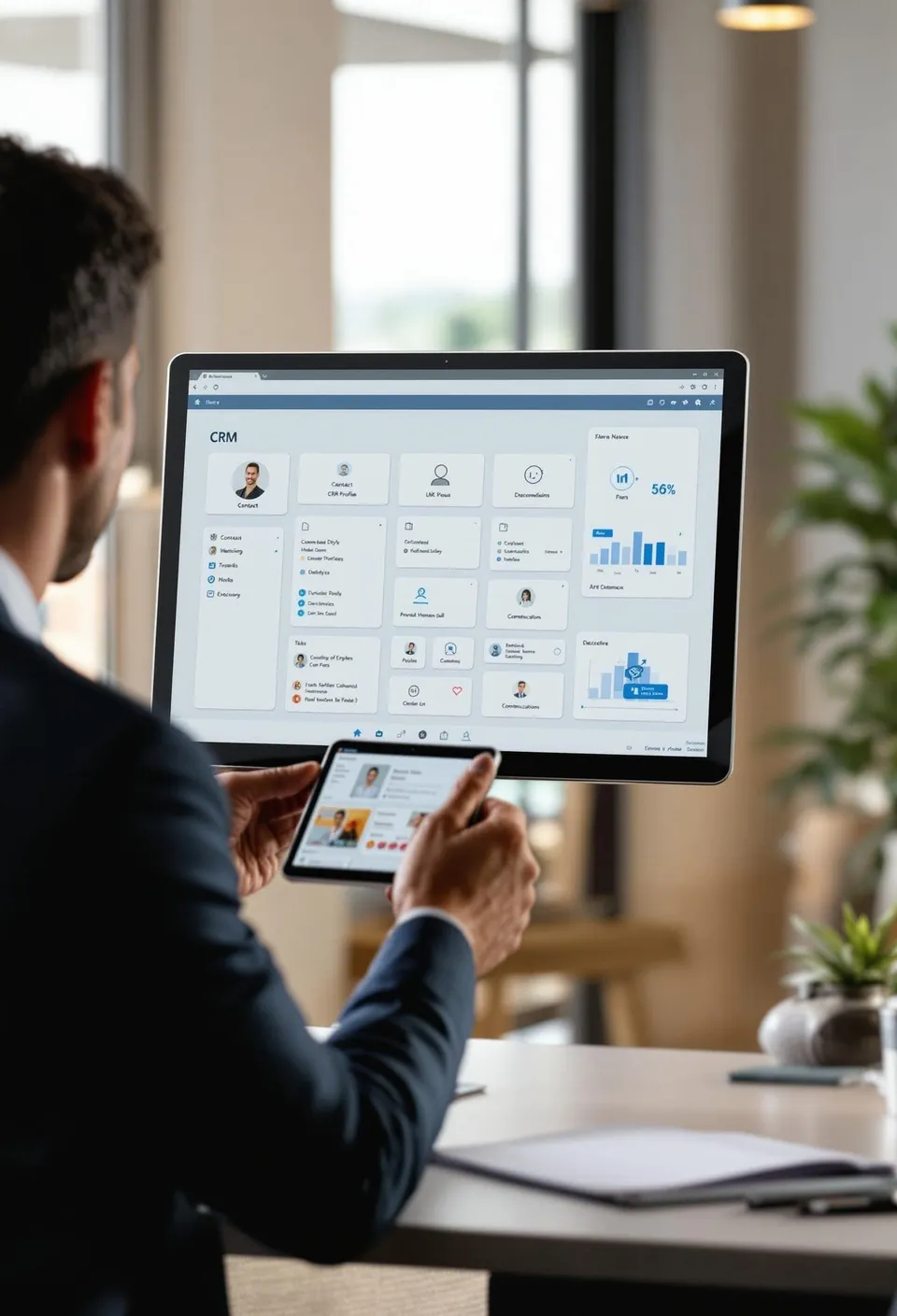
Key CRM features like contact management, company information, sales opportunities, activity tracking, and workflows are available right away or easy to add. The user experience of a model-driven Power Apps CRM is nearly identical to Dynamics 365: the app looks and feels like a classic Dynamics CRM environment. That's no coincidence, because at its core it is the same technology. So users who already know Dynamics 365 Sales or Outlook CRM, for example, quickly find their way around a Power Apps CRM without extensive training. In short, model-driven Power Apps evolved from Dynamics CRM and can serve as the beating heart of your CRM system, whatever your industry or use case.
Cost advantage over Dynamics 365 Sales
Saving money is a big reason to choose Power Apps. A full Dynamics 365 Sales license can easily run to high double digits in euros (or more) per user per month, while Power Apps licenses are significantly cheaper. In practice, we see that a Power Apps per-app or per-user license is often just a fraction of the price of a Dynamics 365 license: sometimes around a quarter, or for basic needs even as little as a tenth of the cost. That can save organizations thousands of euros a year in license fees. Just as important, a single Power Apps license lets you run several of your own apps (including your CRM app), so you don't pay twice for features you won't use anyway.
The best part is that despite the lower cost, you don't have to give up any functionality that matters to your organization. You don't pay for bells and whistles you don't need. Instead, you put together your CRM exactly the way you want it. If you have a sales team that mainly needs contact and opportunity management, for example, a simple Power Apps CRM does the job where an expensive Sales Enterprise suite would be overkill. A CRM like this (with or without a sales focus) is far more affordable for smaller organizations, nonprofits, or companies that want a central view of their customers but don't need all of Dynamics 365's advanced AI or marketing features. Of course, Microsoft licensing needs to be set up correctly, but with the right choice you can save a lot without compromising on your CRM requirements.
Flexible and functional, no compromises
A common misconception is that a custom-built solution can do less than a big off-the-shelf CRM package. The opposite is true: Power Apps offers a highly flexible CRM solution that gives you more freedom to adapt the system to your processes. Because you start with a rich foundation (accounts, contacts, activities, and more), you get the core features of a CRM right away. From there, you can easily add your unique needs using the same configurable building blocks the platform provides. Think extra data fields, forms, relationships between entities, custom business rules, or automated workflows, all set up without heavy coding.
Say your organization has specific processes that traditional CRM software doesn't cover out of the box (a special approval process, for example, or a unique way of tracking customer status). That's not a problem. With model-driven Power Apps, you can easily build that logic in, something that's often harder or more expensive with closed, off-the-shelf systems. Companies have long customized the Dynamics CRM platform for all kinds of uses, an approach known as xRM ("anything Relationship Management"), precisely because of that flexibility. That same power is now more accessible than ever through Power Apps. You can even hide or rearrange existing components you don't need, so the user interface stays clean. All in all, you get a fully functional CRM tailored exactly to your organization, without compromises and without unnecessary clutter.
Useful well beyond sales
A big advantage of your own Power Apps CRM is that it doesn't have to focus only on sales. The underlying customer database and workflow features lend themselves to all kinds of areas where centralized customer data management is crucial. Here are a few examples of uses beyond pure sales:
- Communication management: Log and follow up on all customer communication (emails, calls, appointments) in one place.
- Task tracking: Assign tasks to employees and make sure next steps with customers happen on time.
- Onboarding: Guide new customers, members, or even employees through standardized steps and checklists in the system.
- Project tracking: Link projects to customer data, with status, deadlines, and owners all visible in one place.
- Complaint management: Log and resolve incoming complaints or support tickets through case management, including escalations and SLA tracking.
- Member management: Keep track of memberships, dues, and communication for associations or communities, complete with self-service portals if needed.
- Case management: Manage cases (such as applications, permits, or client files) centrally, with all the parties, documents, and communication involved in one place.
In all these cases, a model-driven app gives you a single source of data and streamlined processes. A traditional CRM like Dynamics 365 is often designed mainly with sales and marketing processes in mind. With Power Apps, though, you can set up the platform freely for any use case you can think of. For a long time, for example, the standard Dynamics 365 lineup had no solution for member administration, while it's easy to build one from the ground up with a model-driven Power App. The result is one central system everyone works in, whether it's the sales team, customer service, project managers, or coordinators, so everyone works with the same customer data. That prevents fragmentation (like separate Excel lists or standalone tools) and improves the quality of your data and your service.
Faster to implement than custom software
A Power Apps CRM is up and running much faster than custom software written entirely from scratch. Because it's a low-code platform, many components are prebuilt, and you need to write little to no traditional code. That means faster delivery: where developing a custom CRM can take months, a first version of a Power Apps CRM is often ready within a few weeks.
You see the difference in development costs too, not just in time. Because so much is prebuilt, you write less code, and development costs are noticeably lower than with a traditional development project. You also don't need an army of software developers. A single consultant can get a lot done in Power Apps. That means you reach your return on investment sooner and can keep making improvements step by step without high extra costs.
The platform also gives you instant scalability. Because you're building on Microsoft's cloud platform, you don't have to worry about whether your solution can grow technically. Suddenly have more users or more data? The infrastructure behind it scales automatically, something that's often a bottleneck with custom software (think server upgrades or redevelopment for performance). Integrations are quicker to set up as well: with Power Automate, you can easily connect other systems or automate processes without expensive middleware. All in all, a Power Apps CRM carries far less risk of long IT projects that spiral out of control. You can start fast, learn, and adjust while seeing results right away.
A robust Microsoft platform: security, integration, and scalability
A model-driven Power Apps CRM builds entirely on the robust Microsoft platform, so you benefit from enterprise-grade capabilities from day one. Security is excellent out of the box: all data is stored securely in Microsoft Dataverse with encryption (both at rest and in transit) and role-based access control. That gives you confidence that sensitive customer data is only accessible to the right people, which is crucial for confidential customer information. Microsoft meets strict compliance standards, so your solution automatically fits within the framework of the GDPR and other regulations, something that takes a lot of research with your own custom-built software.
Integration with the rest of your Microsoft environment is another big plus. Your CRM app runs in the same environment as Office 365 and Dynamics, which makes seamless connections possible. For example, you can look up or update customer data from Outlook or Teams, use Excel to analyze data, and use Power BI for in-depth CRM reporting. The platform is an industry-standard, cloud-based system that integrates seamlessly with Microsoft 365. You can also always expand with other Power Platform components, like chatbots through Power Virtual Agents or an external customer portal through Power Pages, all without creating separate data silos, because everything shares the same database.
Finally, there's scalability and reliability. You're building on the same cloud infrastructure Microsoft uses for its own business applications, which means high uptime, good performance, and automatic upgrades. No more worrying about server management, or whether the software will keep working as your organization grows. Microsoft takes care of that. And because the application architecture is modular, you can add new features or modules whenever you want, without rebuilding everything. That gives you a future-proof solution that grows with you and always stays up to date. You get a state-of-the-art CRM system that you can shape entirely to your needs, integrated with your existing environment, and that users can hardly tell apart from a traditional Dynamics CRM. That makes a Power Apps CRM not just a smart investment today, but also a strong foundation for the long term.
Want to learn more about the rich world of Power Apps, and especially how these applications can take your business to the next level?