DIGITIZATION
Business process digitization: the next step
Twenty years ago, going digital meant getting rid of paper. Today everyone is already digital, and the pain is somewhere else: the tool you started with no longer fits the company you've become.

On this page
▾


Is your current solution hitting its limits?
Tell us how you work today and where it's falling short. Together we'll figure out whether you need something new or just something different. Even if the answer is that you're better off staying where you are.
Book an intro callIn short
Hardly anyone asks us to help them go digital anymore. The real pain is the first digital solution you've outgrown.
The tipping-point test: if your team adapts the way it works to fit the software, it's the software that should have adapted.
The old rule was to find a package built specifically for each process. That rule is shifting toward general-purpose platforms you customize.
Not always, though. When the requirements come from outside, like legislation or certification, you actually want a package that doesn't bend.
Start by talking, not by searching. When you search, you only look within what you already know.
Digitization isn't what it used to be
Twenty years ago, digitization was easy to explain. You walked into a company and saw binders on a shelf, paper forms, a schedule on a whiteboard. You knew right away what had to change, and the payoff was obvious to everyone in the room.
That kind of project has all but disappeared. Hardly anyone calls us anymore saying "we need to go digital." New companies are digital from day one, and established ones made that move long ago. Yet every month, hundreds of people in Flanders search for how to digitize their business processes. What they're looking for is something different from what most articles on the topic cover.
Here's what we see in practice: they started out with something that was the right choice at the time, and it isn't anymore. A spreadsheet that did the job for years. An Access database nobody dares to touch anymore. A process that lives in Outlook. A shared inbox the whole team works out of. It worked, and it worked well. But as the team grows, along with the number of cases and the number of case types, it gets harder.
So the question is no longer "how do I go digital?" The question is: I've outgrown my first digital solution, so now what?
What that looks like in practice
Here's an example from our own work. An organization with reporting obligations used a communication platform to keep all communication with its clients in one place. That's exactly why they chose it, and it did that job.
There was one thing it couldn't do: link that communication to the client's case. The workaround was pragmatic. For every message, someone typed the case number in as text. At first, that worked fine. A small team, not that many cases, and colleagues who knew each other's work.
Since then, they've added people, more cases, and more types of cases. What used to be one team is now several. That's when a workaround like this falls apart, because it never really worked thanks to the system. It worked thanks to the people who kept the connections in their heads. Past a certain size, nobody can do that anymore.
The damage showed up in two places at once, and it's interesting which one raised the alarm first.
The numbers didn't add up. This organization has to report to an outside party how many communications took place, per year, per case, and per case type. Putting that report together took a very long time and a lot of manual checking, only to end up with a result that was good enough. And everyone knew some communication definitely hadn't been logged, or had been logged wrong. You can't count what isn't linked. The person responsible for those numbers was the first to sound the alarm.
Quality slipped. When a new email came in, users first had to search manually to figure out what was going on and what had been said before. That took several steps. So it didn't always happen, and people sometimes replied without knowing the full history of the case. Nobody does that on purpose. It's simply what happens when the right information is just one click too far away.
Why the switch finally happens
There's a nuance here that usually gets lost in sales pitches: the platform wasn't bad, and the first choice wasn't wrong.
They also looked into solving it within the platform first. It didn't give them the flexibility they wanted, but they also knew it could have been done better, and maybe it would even have been possible. What tipped the scales wasn't a single missing feature. It was three things together: they got too little support, the flexibility wasn't there, and the license cost was high.
And then came the reasoning that we think is the real turning point:
If we have to start over or rework things anyway, why not look beyond this one platform? For what we're paying in licenses today, we can certainly explore other options.
That's the moment someone stops limiting the search to what they already have. What this client ended up with is an app where messages arrive in a way that feels familiar, with the case information right next to it. A standard platform runs underneath. The solution is live and the old platform has been retired. They're happy enough with it that they're now in talks with other organizations to do the same thing there.
A test you can run yourself
If you take away just one thing from this article, make it this.
As soon as you notice your team changing the way it works to fit the software it has, something has been turned upside down. Software should adapt to you, not the other way around.
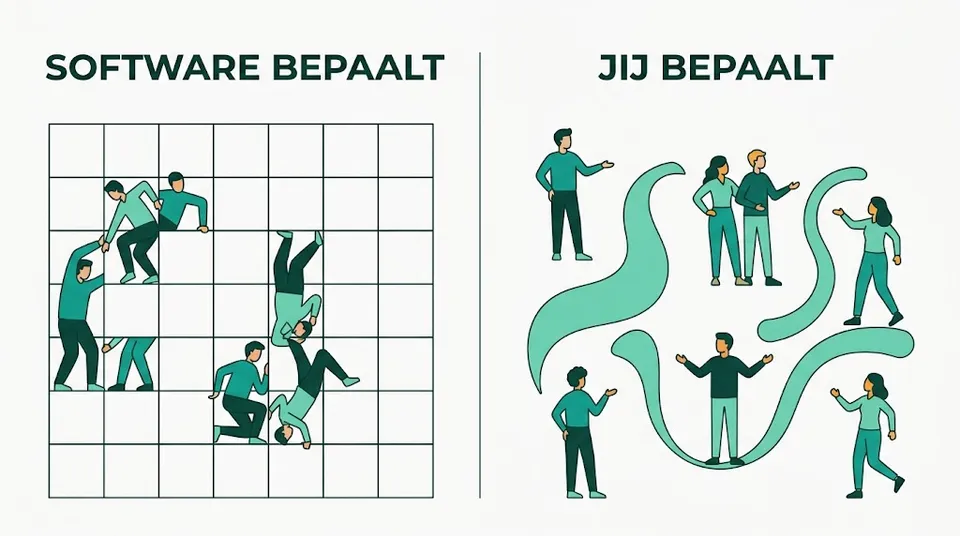
That sounds obvious, but in practice it happens gradually, so nobody notices. An extra field shows up where someone types in a number. A rule appears that you put a certain word in the title. A second spreadsheet appears next to the tool, because the tool couldn't handle it. Each of those things is small and easy to defend. Together, they prove the process has bent itself around the software.
A second warning sign is less obvious but just as important: a product that has stopped evolving. One of our clients uses industry-specific software and has noticed for years that hardly any new features are being added. The company behind it will never announce that it's winding down, but the client can feel it. On a platform that has been around for years and that thousands of companies build on, you're on safer ground in that respect.
What's shifting
Until now, the rule for this kind of decision was simple, and honestly pretty logical: for every process, find the software built specifically for it. A scheduling tool for scheduling. A communication platform to keep track of communication. One package per problem.
That rule is shifting. General-purpose platforms are increasingly the better choice, precisely because today you can build custom solutions on them for a fraction of what that used to cost. Low-code did the first half of that work, and AI and vibe coding are doing the second. What was an expensive development project five years ago now takes a matter of weeks. And that changes the math. You can see it in how we automate processes on the Power Platform and in what we mean by custom software on a Microsoft platform. For a concrete example, see a job site schedule in Power Apps that replaces a color-coded spreadsheet.
To us, that's the next step in business process digitization. Not replacing paper with software, but replacing one package per problem with a platform where you build processes that are truly yours.
Let's be honest about the scale: specialized packages aren't going away. There will just be fewer of them. The platform in our example above was specialized too, and a few years ago it was also the better choice. The faster and better general-purpose platforms get, the more the balance shifts. The share of processes that run perfectly well on a general-purpose platform grows year after year.
When you should go with a package
This is the part you rarely read in sales pitches, and it's the most useful one.
If the requirements come from outside, go with the package. You don't expect HR software to adapt to how you want to work. It can't, because employment law dictates how it works. What you're buying with your license isn't just software but also the expertise that tracks changing regulations for you and builds them into the application correctly. The same goes for accounting and for point-of-sale software tied to Belgium's certified cash register system. In that world, the company that makes the software is often also the one that implements it for you, and that's exactly how it should be. They're more than a software vendor.
If the requirements come from inside, choose freedom. When you're designing a business process for case management, for steering your sales, or for organizing your client communication, you're implementing something that makes your company unique, with few outside obligations. That's exactly where you don't want a package dictating how you work. Sometimes the answer is a standard platform like Microsoft Dynamics 365 that you shape around your own process, and sometimes it's something we custom-build alongside it.
And you integrate the heavy specialist tools. Something like advanced route planning isn't something you casually rebuild. It represents years of calculation and optimization. Components like that stay where they are, and you connect them to everything else.
Where to start
Not with searching. With talking.
That sounds like something an IT partner would naturally say, but there's a real reason behind it. You ask about things you know, not about things you don't. When people get stuck today, they almost always look for a solution in the direction of what they've already seen: a better version of the same kind of tool. Many people simply don't know that a general-purpose platform is an option for their problem. Just like plenty of people today can't imagine AI doing anything other than generating text.
If you don't know something exists, you don't google it. And then you miss exactly what you needed.
So talk to someone who knows the options and will tell you honestly which side of the line we drew above your business process falls on. That's how every project with us starts: understanding your situation, looking at it together, and then proposing a solution. Sometimes that solution is referring you elsewhere, because in your case a package is the right answer. That's still a useful conversation.
And once your applications are in order, there's one more step: an AI assistant that uses them for you, so you need their screens less. To see how we do that ourselves, read working with an AI assistant on top of your business applications.
Is your current solution hitting its limits?
Tell us how you work today and where it's falling short. Together we'll figure out whether you need something new or just something different. Even if the answer is that you're better off staying where you are.
Book an intro callThis article is part of
Custom Development and Power Apps
Custom software on a secure Dataverse foundation. See our approach to apps that grow with the way your business works.
Explore Custom Development and Power AppsKeep reading
CRM AND ERP
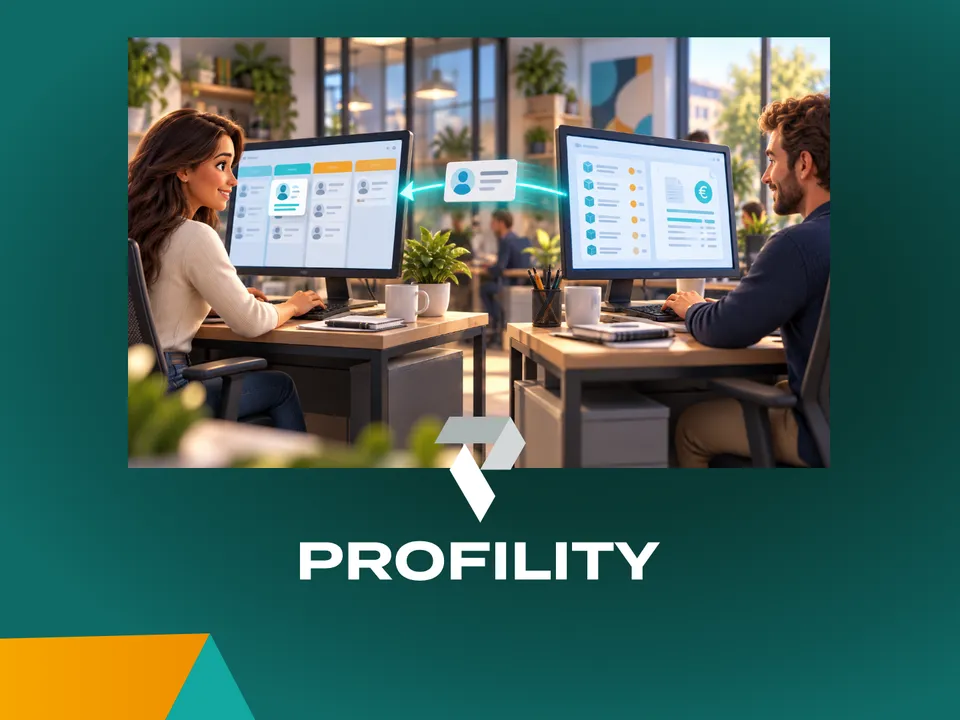
A CRM alongside your ERP: why you don't have to keep track of anything twice
You've been working in an ERP like Business Central for years. Adding a CRM sounds like a second system where you keep track of everything twice. It doesn't have to be: agree on which system manages each piece of data, and each system does its own part.
AI IN PRACTICE
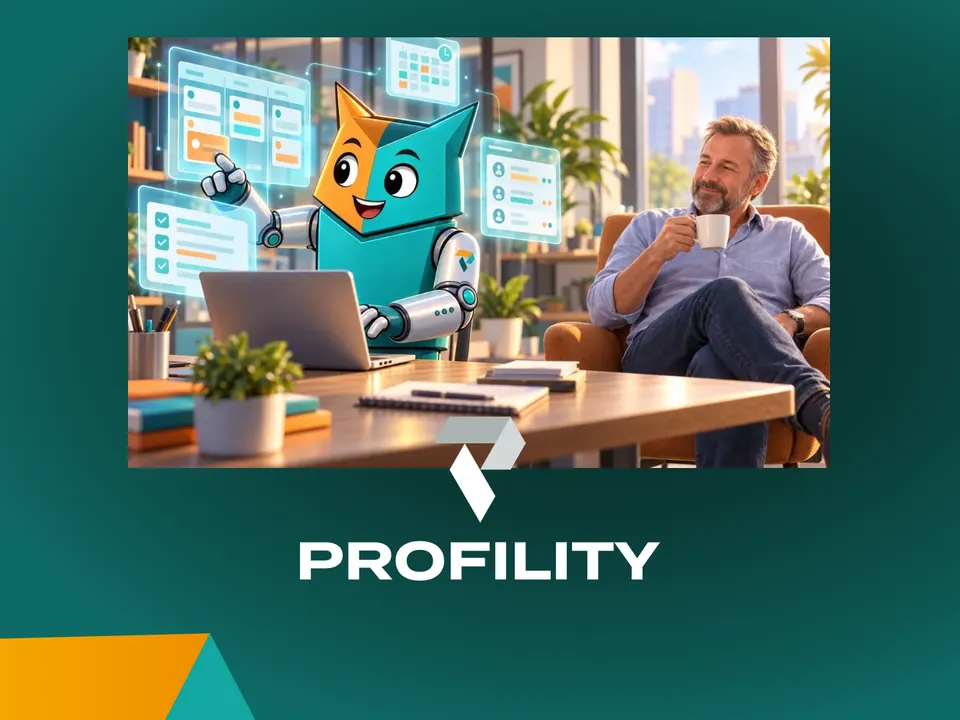
Beyond digitization: working with an AI assistant on top of your business Applications
A customer email comes in. Five minutes later, the project is set up in Connect, our in-house application, and colleagues can log hours on it. Add the tasks in Jira and it takes fifteen minutes. Meanwhile, I was drinking my coffee. That's how we've been working at Profility for a year now. This is the step after digitization.
AI IN PRACTICE
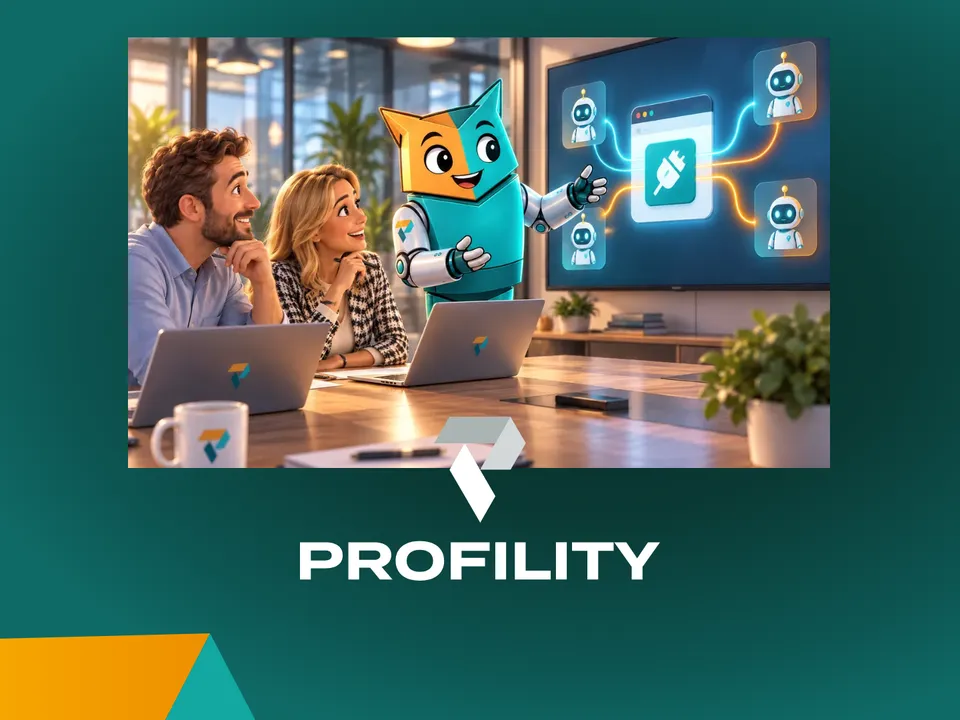
Every application you commission today needs an MCP
If you're having an application built today, whether fully custom or on the Power Platform, there's one question many clients still don't ask: does it have an MCP? Without one, an AI agent can't work for you inside that application. If you want to build for the future, it's non-negotiable.