
On this page
▾


Not sure what kind of app you need?
Tell us which process you want to support. We'll tell you honestly whether a canvas app will do, or whether you're better off building on a solid data model.
Tell us about your situationIn short
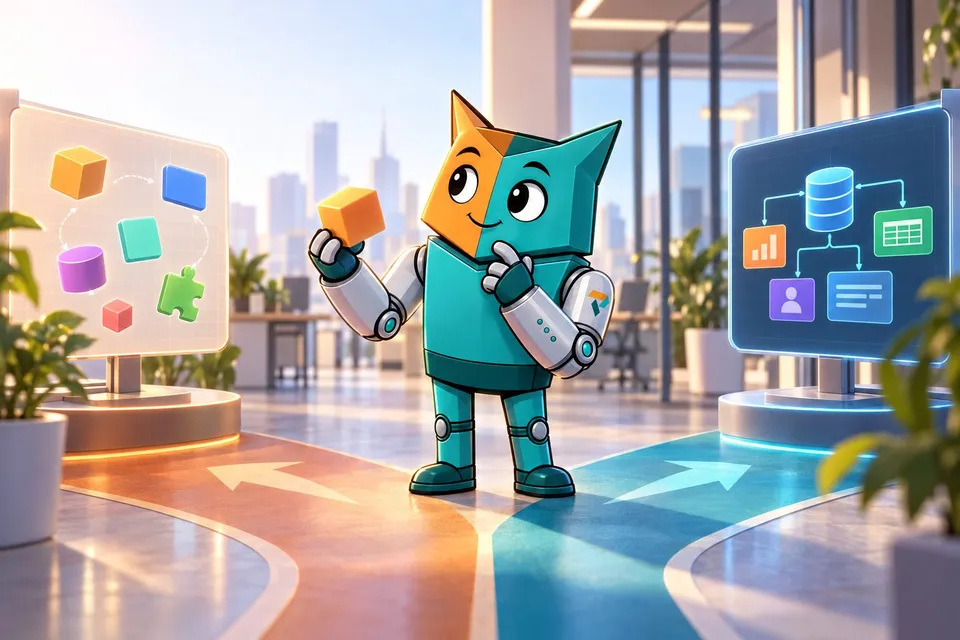
Canvas apps aren't dead.
The big argument for canvas apps was writing less code. That matters less when AI writes the code.
Canvas has AI support too. But that doesn't make the platform's limits (controls, formulas, runtime) go away.
We build new business apps on Dataverse, with custom screens in model-driven apps. Permissions and business rules live in the database, not in the screen.
For new apps, canvas has to prove all over again why it's the best choice.
Building an app without writing much code. For years, that was a convincing argument for canvas apps. You put screens together, connect data, and add logic with Power Fx. For many organizations, that made business apps possible that would otherwise have been too expensive or too time-consuming.
But what if you no longer have to write that code yourself?
At Profility, we now build complete HTML-based apps with Dataverse as the back-end database, integrated into model-driven apps. Through our own internal Dataverse MCP, AI can build those apps without us having to assemble screens or write code ourselves.
That changes the question. Why would we still choose a development environment with more limitations, when its main advantage, less programming, matters less and less?
The compromise we accepted for years
Canvas apps offered speed, but it came at a price. The user experience you wanted had to fit within the controls, formulas, and capabilities the platform made available.
A simple form? Usually no problem. A scheduling board with drag and drop, a rich table with specific interactions, or a mobile interface that has to match the work exactly? That's when the trade-off got harder.
You adjusted the design. You looked for a workaround. Or you explained why something was technically possible, but took a disproportionate amount of work on the chosen platform.
That compromise was defensible as long as a fully custom interface was much more expensive to build. AI turns that equation upside down.
Performance and responsive design were never a given
If you've built larger canvas apps, you know the pain points: startup time, data retrieval, repeated calls, and screens with lots of controls. Delegation needs attention too. When an operation isn't passed on to the data source, a query can only process part of the data. Besides slowing things down, that can also produce incomplete results (Microsoft Learn).
You can build high-performing canvas apps. But it takes knowledge, discipline, and sometimes changes to the way you wanted to build the application.
The same goes for responsive design. Canvas supports screens that adapt to different sizes, but a good mobile experience doesn't automatically follow from a screen that works well on a laptop. Containers, formulas, and layout choices have to work together to produce the behavior you want (Microsoft Learn).
A web app also has to be well designed and optimized. The difference lies in the tools you have. With HTML, CSS, and JavaScript, you have direct control over the layout, data loading, and interaction. You can use existing web components or build what's missing yourself. You're still responsible for the result, but you have more ways to get there.
AI makes that freedom affordable
It used to be that more freedom usually meant more development work. Every screen had to be built, every interaction programmed, and every change took time all over again.
Today, AI can do a large part of that work: building screens, reusing components, connecting data, writing tests, and fixing bugs. In the right development environment, it can also open the app, take screenshots, and evaluate the visible result.
For us, that's already how we work. Our internal Dataverse MCP gives AI the access and context to build complete apps. Writing code ourselves is no longer a necessary step. Our role is shifting to defining the process, the architecture, and the user experience we want, and judging whether the result is right.
As a result, a request for a different screen layout or a richer interaction is less likely to turn into a debate about development costs. You can see it in our service app for installation and maintenance and in the job site schedule: a scheduling board where you drag jobs around, and a mobile app made for thumbs and small screens, alongside a standard model-driven back office. All on the same data, so there's no second version of the truth.
Dataverse remains the solid foundation
A custom interface doesn't mean you also have to reinvent security, data management, and business logic from scratch.
Dataverse remains the back-end database. Access rights are enforced there. Important business rules can live in plug-ins, so they apply no matter which screen someone uses to change the data.
That advantage also applies to canvas apps on Dataverse. The point is precisely that you don't need canvas to keep that foundation. We combine a managed data platform with an interface we can design much more freely. Standard management stays in the model-driven app, while specific tasks get their own screen.
But doesn't canvas have AI too?
Yes. Microsoft offers a Canvas Authoring MCP server that lets AI tools build and modify canvas apps. AI can generate screens and Power Fx formulas, validate the app definition, and sync changes with Power Apps Studio (Microsoft Learn).
That's meaningful progress. So the comparison is no longer building canvas by hand versus having HTML generated. The question is what happens when AI can build both.
An MCP server makes the development environment accessible to AI. It doesn't automatically change what the final app supports. The available controls, formula capabilities, and runtime behavior still help determine what you can build. AI can find a workaround faster, but if an interaction you want falls outside what the platform can do, that limit doesn't disappear just because AI is doing the development.
"The customer can change it themselves" is changing too
That was another strong argument for canvas. Customers could add a field, tweak a formula, or extend a screen on their own.
For small changes, the visual designer is still handy. But in an application of any size, an extension quickly requires an understanding of data, dependencies, and business rules.
If the customer uses AI for that, the trade-off changes again. They don't need to be able to navigate all the code themselves to have a change made. That also works with a well-built web app and the right AI tooling. Being able to extend the app on your own is no longer an advantage unique to canvas. The quality of the architecture, the available context, and the checks matter more than whether there's a visual designer.
So when do you still choose canvas?
An existing canvas app that works well doesn't suddenly need to be replaced. In-house expertise, governance policies, and specific platform features can also be good reasons to stick with canvas. Think of a mobile app where the built-in offline capabilities fit the need well (Microsoft Learn).
On the other hand, HTML inside a model-driven app is also bound by what that environment can do. Freedom in the interface doesn't mean every mobile feature or offline scenario is automatically supported (Microsoft Learn).
But for a new app, the choice needs to be made all over again. What concrete value does canvas add for this application? What limitations are we accepting in return? And are those limitations still necessary if AI does most of the development on the alternative? "That's how we've been building our apps for years" isn't a good enough answer.
You can read more about our approach on custom development and Power Apps and on custom applications. Want to start with the basics? Read where the real strength of Power Apps lies.
Canvas isn't dead. The default choice is.
Low-code made software development more accessible by cutting down on manual programming. AI does that in a different way: it takes over a growing share of the programming itself.
That changes what we expect from a development platform. Writing less code matters less when you're not writing that code yourself anyway. Freedom, extensibility, and the user experience carry more weight.
At Profility, we're already seeing that shift in practice. With Dataverse as the foundation and AI building complete interfaces through our internal tooling, we're choosing the possibilities of web technology more and more often.
Are canvas apps dead? No.
But for new business apps, canvas has to prove all over again why it's the best choice. That head start is no longer a given.
Not sure what kind of app you need?
Tell us which process you want to support. We'll tell you honestly whether a canvas app will do, or whether you're better off building on a solid data model.
Tell us about your situationThis article is part of
Custom Development and Power Apps
Custom software on a secure Dataverse foundation. See our approach to apps that grow with the way your business works.
Explore Custom Development and Power AppsKeep reading
CRM AND ERP
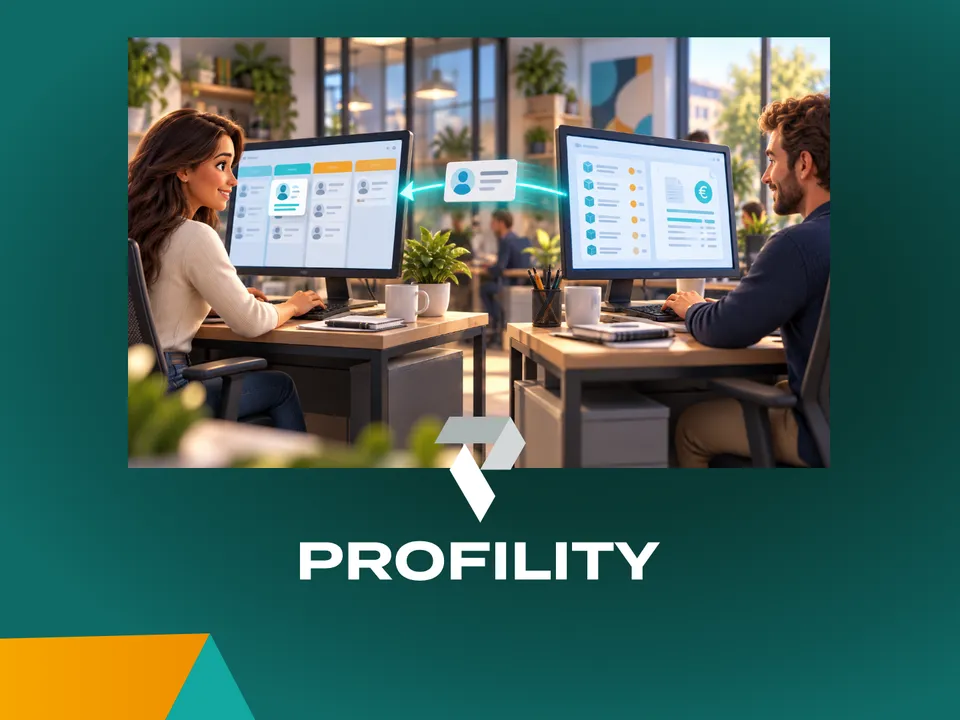
A CRM alongside your ERP: why you don't have to keep track of anything twice
You've been working in an ERP like Business Central for years. Adding a CRM sounds like a second system where you keep track of everything twice. It doesn't have to be: agree on which system manages each piece of data, and each system does its own part.
AI IN PRACTICE
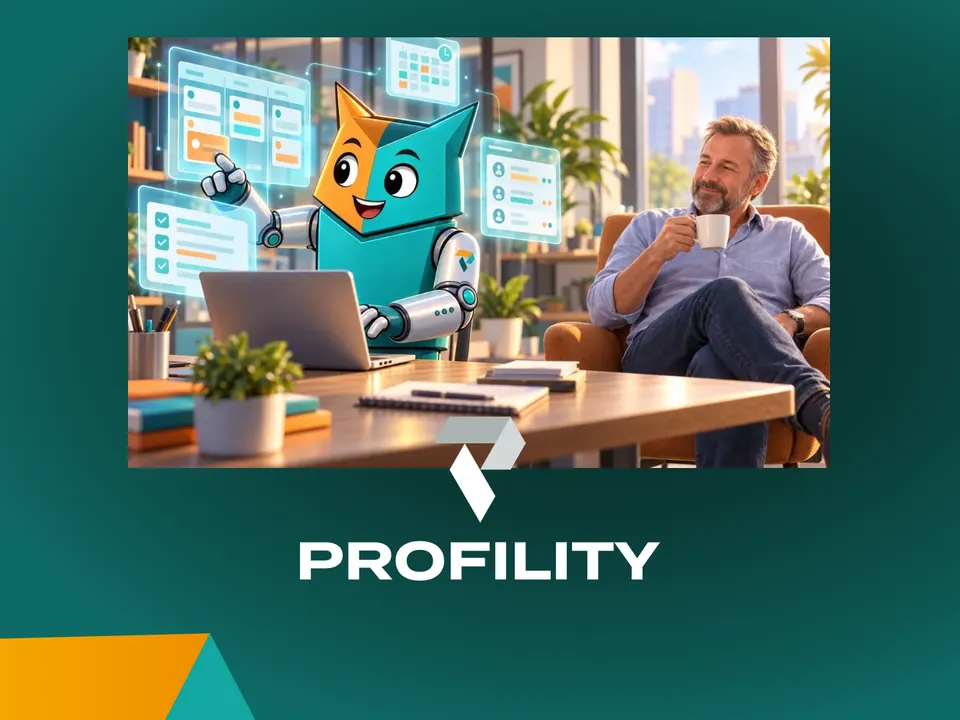
Beyond digitization: working with an AI assistant on top of your business Applications
A customer email comes in. Five minutes later, the project is set up in Connect, our in-house application, and colleagues can log hours on it. Add the tasks in Jira and it takes fifteen minutes. Meanwhile, I was drinking my coffee. That's how we've been working at Profility for a year now. This is the step after digitization.
AI IN PRACTICE
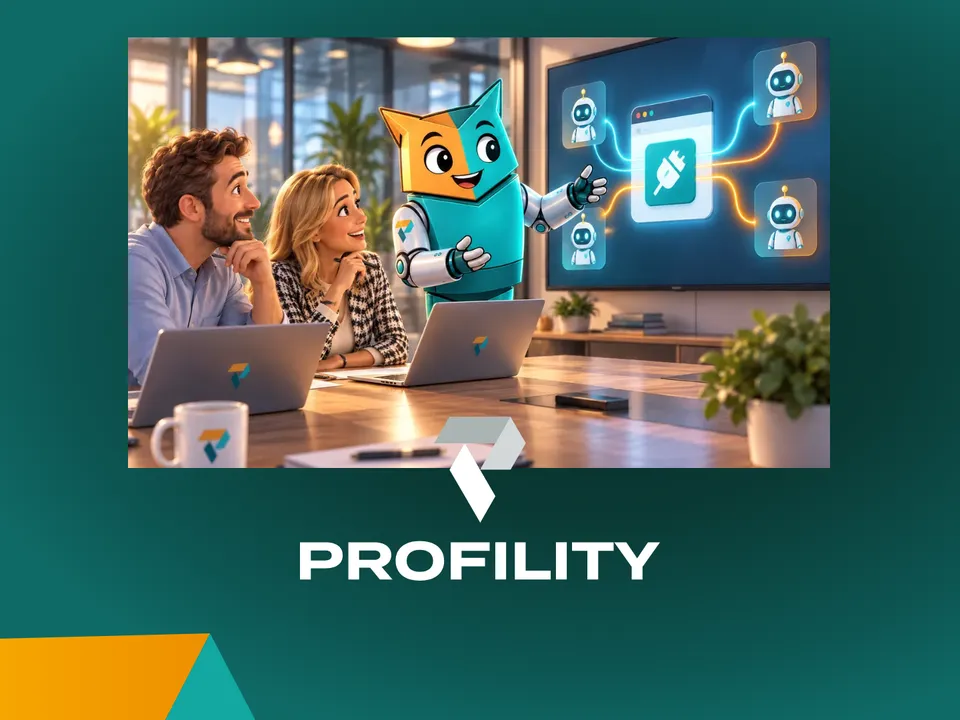
Every application you commission today needs an MCP
If you're having an application built today, whether fully custom or on the Power Platform, there's one question many clients still don't ask: does it have an MCP? Without one, an AI agent can't work for you inside that application. If you want to build for the future, it's non-negotiable.