
On this page
▾


Let's talk
Tell us what you're running into today, and we'll explore what's possible together.
Book an intro callPower Apps lets you build robust, full-featured tools in an agile way. So how do these low-code apps differ from custom-built software? And why do you get results faster when you build with Power Apps?
Power Apps: low-code vs. custom development
When you choose Power Apps, you're choosing Microsoft's low-code solution. It lets you quickly build robust tools that are more reliable than software built entirely from scratch. You can also move through development faster than you can with custom software.
The reason lies in how every app is put together, whether it's a low-code app or a custom build. Some core building blocks are always needed. First and foremost, you need a database to store all your data. Next comes everything related to security. Then you need roles or security profiles. An interface that defines how forms and navigation look is another basic requirement. On top of that, it should be fairly easy to exchange data through Excel, an API, or import and export. And finally, there has to be a mobile version of the app.
All of those standard pieces have to be built when you develop a new app. With Power Apps, you largely get to skip that part.

Power Apps and Dataverse
Power Apps run on an underlying platform called Dataverse. That platform automatically takes care of all the standard pieces, such as user management, the interface, data exchange, and security. That frees up the developer's time to focus right away on the specific requirements of your business. In other words, we can get straight to the functional work that's the whole reason the app exists. And that's agile through and through.
With custom development, you have to avoid mistakes as much as possible because they slow down the entire project. With low-code Power Apps, you can adjust course much faster. In fact, the whole idea is to come up with a first result early. That lets you move quickly, and this way of working also helps you learn fast what works and what doesn't.
Want to see what an app like this looks like in practice? Check out our showcases, for example a service app where the technician fills out the work order on their phone and the customer signs on site.
Curious how Profility can build your apps with Microsoft Power Apps? We're happy to answer all your questions. Get in touch with us today.
Want to run it by us?
Tell us about your situation, and we'll look at what's possible for your business together. No sales pitch.
Book an intro callThis article is part of
Custom Development and Power Apps
Custom software on a secure Dataverse foundation. See our approach to apps that grow with the way your business works.
Explore Custom Development and Power AppsKeep reading
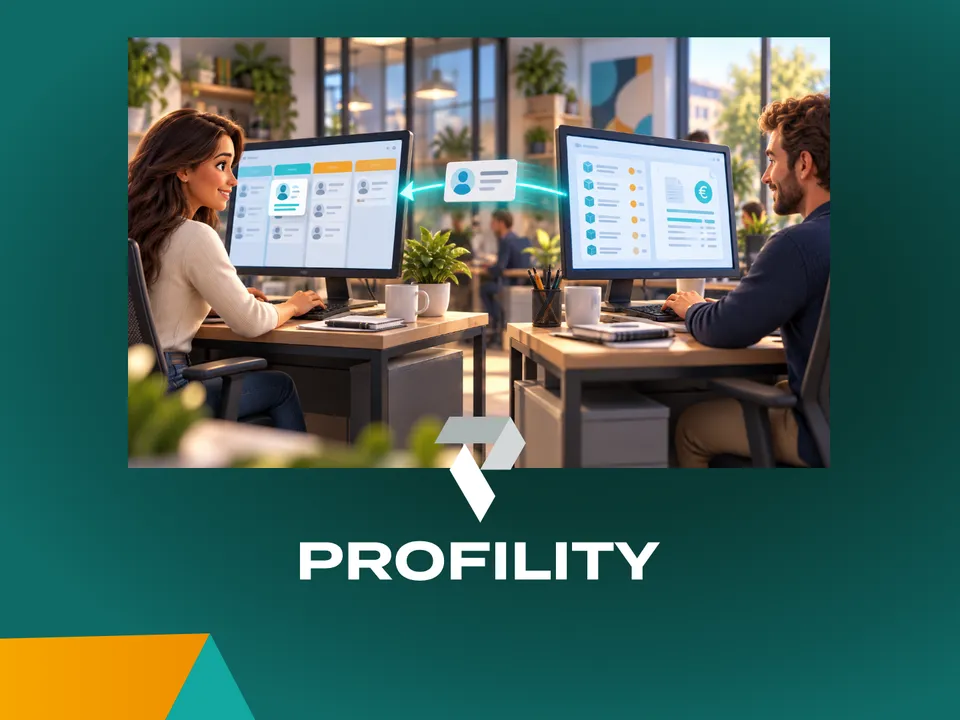
CRM AND ERP
A CRM alongside your ERP: why you don't have to keep track of anything twice
You've been working in an ERP like Business Central for years. Adding a CRM sounds like a second system where you keep track of everything twice. It doesn't have to be: agree on which system manages each piece of data, and each system does its own part.
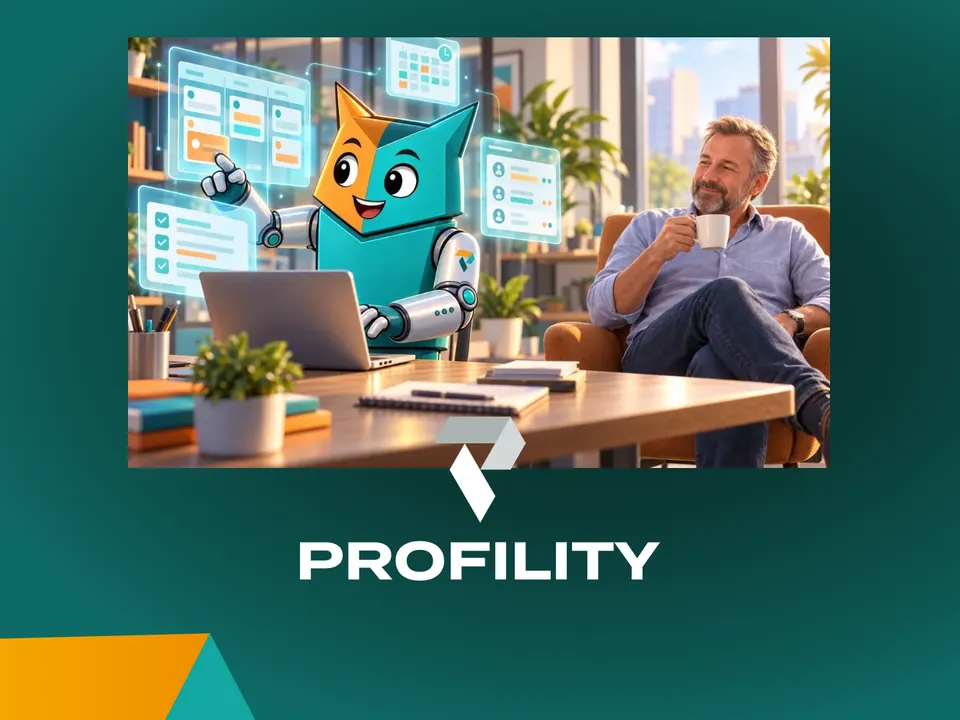
AI IN PRACTICE
Beyond digitization: working with an AI assistant on top of your business Applications
A customer email comes in. Five minutes later, the project is set up in Connect, our in-house application, and colleagues can log hours on it. Add the tasks in Jira and it takes fifteen minutes. Meanwhile, I was drinking my coffee. That's how we've been working at Profility for a year now. This is the step after digitization.
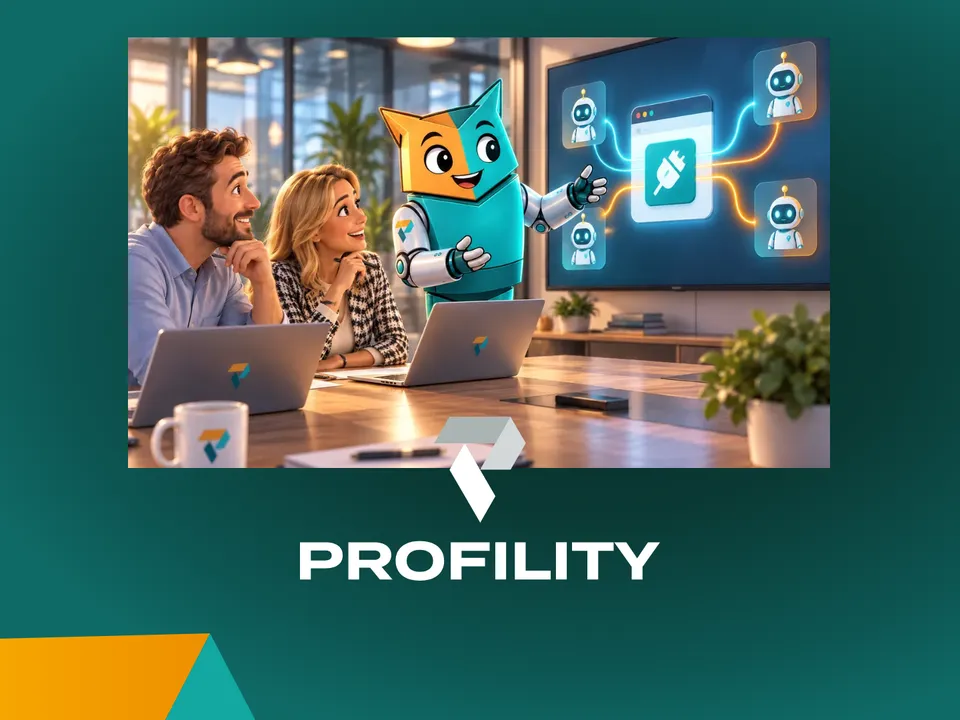
AI IN PRACTICE
Every application you commission today needs an MCP
If you're having an application built today, whether fully custom or on the Power Platform, there's one question many clients still don't ask: does it have an MCP? Without one, an AI agent can't work for you inside that application. If you want to build for the future, it's non-negotiable.