AI in practice
How we write meeting notes with AI at Profility, and why we don't hide it
At Profility, we write our meeting notes together with AI, never entirely by AI. Here's how we do it, and why we're open about it.

On this page
▾


Let's talk
Tell us what you're running into today, and we'll explore what's possible together.
Book an intro callIn short
AI writes the first draft, and a human always reviews and approves it.
Start from your own notes, not from a transcript. That's where the insight is.
Be open about using AI. Hiding it adds nothing and costs you trust.
A fixed structure you reuse every time is exactly what makes AI useful here.
Good meeting notes take time: rereading your notes, structuring them, and keeping the nuance intact. At Profility, we do that together with AI, never with AI alone. Our own AI coworker Kai, the internal AI tool we use at Profility, writes a first draft. We review it and decide what stays in. That's not something we keep quiet about. In fact, we're upfront about it, including with our clients.
Why we use AI for this
Turning a meeting into a readable summary is more work than it looks. The notes you type quickly during a conversation look like a simple list, but they're not: there's a story behind them, with decisions, nuances, and context you don't want to lose when you summarize everything again. Writing that out by hand, every single time, in a consistent structure, is exactly the kind of repetitive work AI is good at. Not to make up what was discussed, but to turn our own notes into a write-up that reads well and doesn't miss anything.
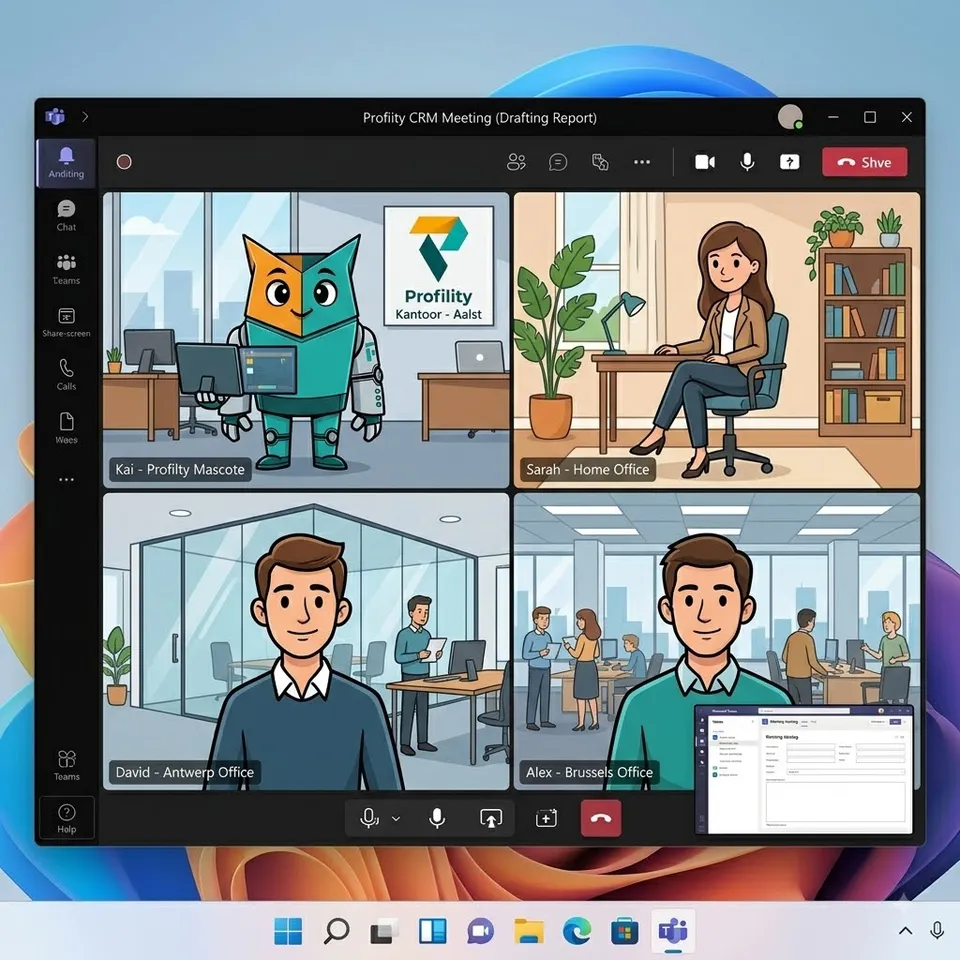
Why Claude AI
When we set up this way of working, Microsoft Copilot didn't offer Anthropic's Claude AI yet. We built our own AI coworker Kai on this technology because this kind of model follows instructions much more precisely. For meeting notes, that's not a minor detail: we designed a fixed process our team has to go through with Kai, from rough notes to final write-up, and that process has to be followed correctly, step by step.
Since then, Kai has picked up more skills. He can pull up earlier meeting notes, bring in documents like analyses, and connect the dots with the backlog. That's exactly what helps keep our meeting notes truly to the point.
Transparency, and why review isn't a formality
We simply say it: these notes were written together with AI, never entirely by AI. No fine print. Everyone has read an auto-generated meeting summary from Microsoft Teams at some point, and honestly, they were rarely good: too much, too little, or exactly the wrong things picked out. Our own notes, on the other hand, regularly get feedback that they add real value, precisely because there's always a human keeping an eye on them.
Here's an example. At the start of a client meeting, the client chatted informally about a recent trip to Vietnam. Microsoft Teams included that in its automatic summary. Our own approach knew better and rightly left it out.
In practice: after drafting, Kai always explicitly asks for the notes to be reviewed and waits for a confirmation or comments before they count as final. Only when the author signs off does a clear note get added at the bottom: who wrote it, together with AI, and when it was reviewed and approved. We never skip that review.
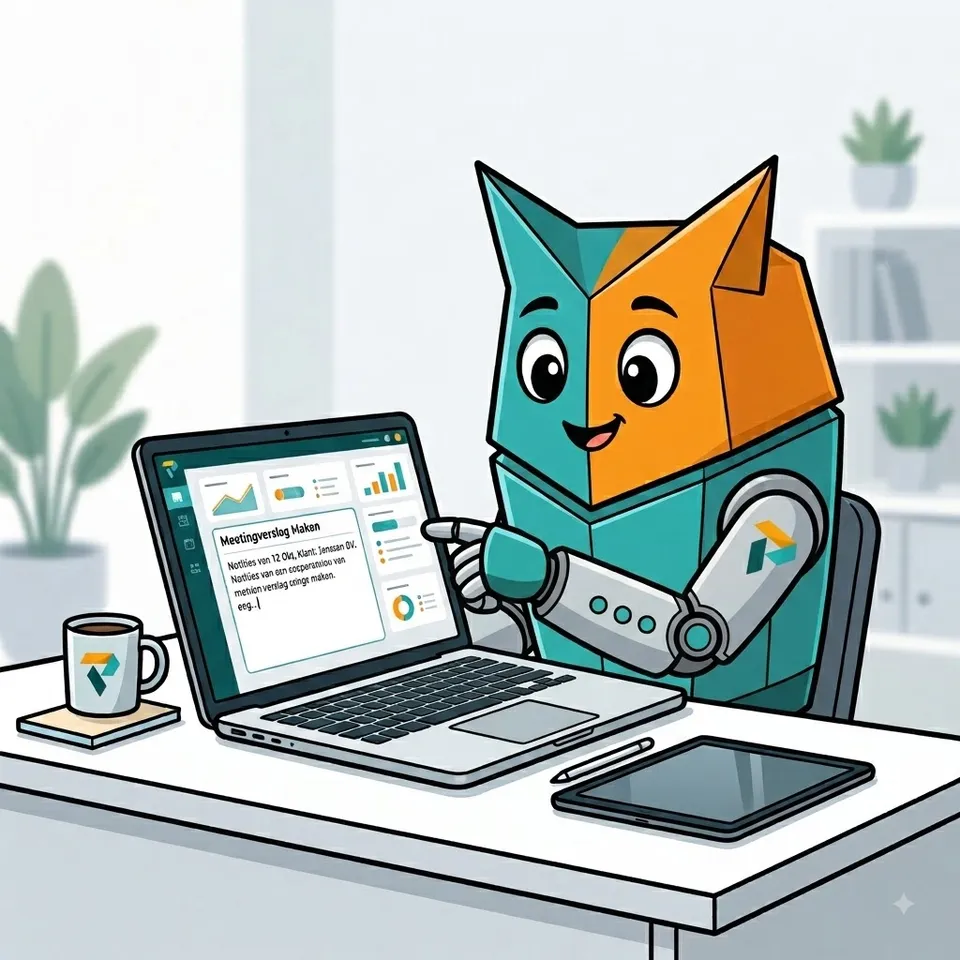
In sales, too: from visit to a useful report
The same challenge isn't limited to internal meetings. After a customer visit, you run into exactly the same problem: a good visit report takes time, so it often gets put off, right when the information is still fresh. Yet that report is crucial: it drives the follow-up and the opportunity in your CRM, and it's often the only place you can look up why a deal did or didn't move forward.
For clients who work with Dynamics 365 or a CRM on Power Platform, we use the same approach: notes during or right after the visit, AI that turns them into a readable report, and the author reviewing it before it's attached to the account or opportunity. That keeps your CRM up to date without follow-up becoming a chore everyone would rather postpone.
Read more about sales and follow-up on Microsoft Dynamics 365.
Want to try this yourself? Four lessons
From our own experience: base the write-up on your own notes, not just on a transcript. A transcript contains everything, but no insight into what really mattered, and that insight lives in your own notes. Then write the summary together with AI, not entirely by AI: AI puts a strong first draft on paper, but only someone who was in the meeting knows whether the nuance is right. Next, be open with your clients and colleagues about using AI. Hiding it adds nothing and costs you trust if it comes out anyway. Finally, build a fixed structure you reuse every time: goal, attendees, topics, action items. Consistency is exactly why AI works so well for this.
Want to run it by us?
Tell us about your situation, and we'll look at what's possible for your business together. No sales pitch.
Book an intro callThis article is part of
AI and Agents
Put AI to work for you: a digital coworker that carries out tasks in your Microsoft apps, follows up, and talks to your data.
Explore AI and AgentsKeep reading
CRM AND ERP
A CRM alongside your ERP: why you don't have to keep track of anything twice
You've been working in an ERP like Business Central for years. Adding a CRM sounds like a second system where you keep track of everything twice. It doesn't have to be: agree on which system manages each piece of data, and each system does its own part.
AI IN PRACTICE
Beyond digitization: working with an AI assistant on top of your business Applications
A customer email comes in. Five minutes later, the project is set up in Connect, our in-house application, and colleagues can log hours on it. Add the tasks in Jira and it takes fifteen minutes. Meanwhile, I was drinking my coffee. That's how we've been working at Profility for a year now. This is the step after digitization.
AI IN PRACTICE
Every application you commission today needs an MCP
If you're having an application built today, whether fully custom or on the Power Platform, there's one question many clients still don't ask: does it have an MCP? Without one, an AI agent can't work for you inside that application. If you want to build for the future, it's non-negotiable.